Resource planning
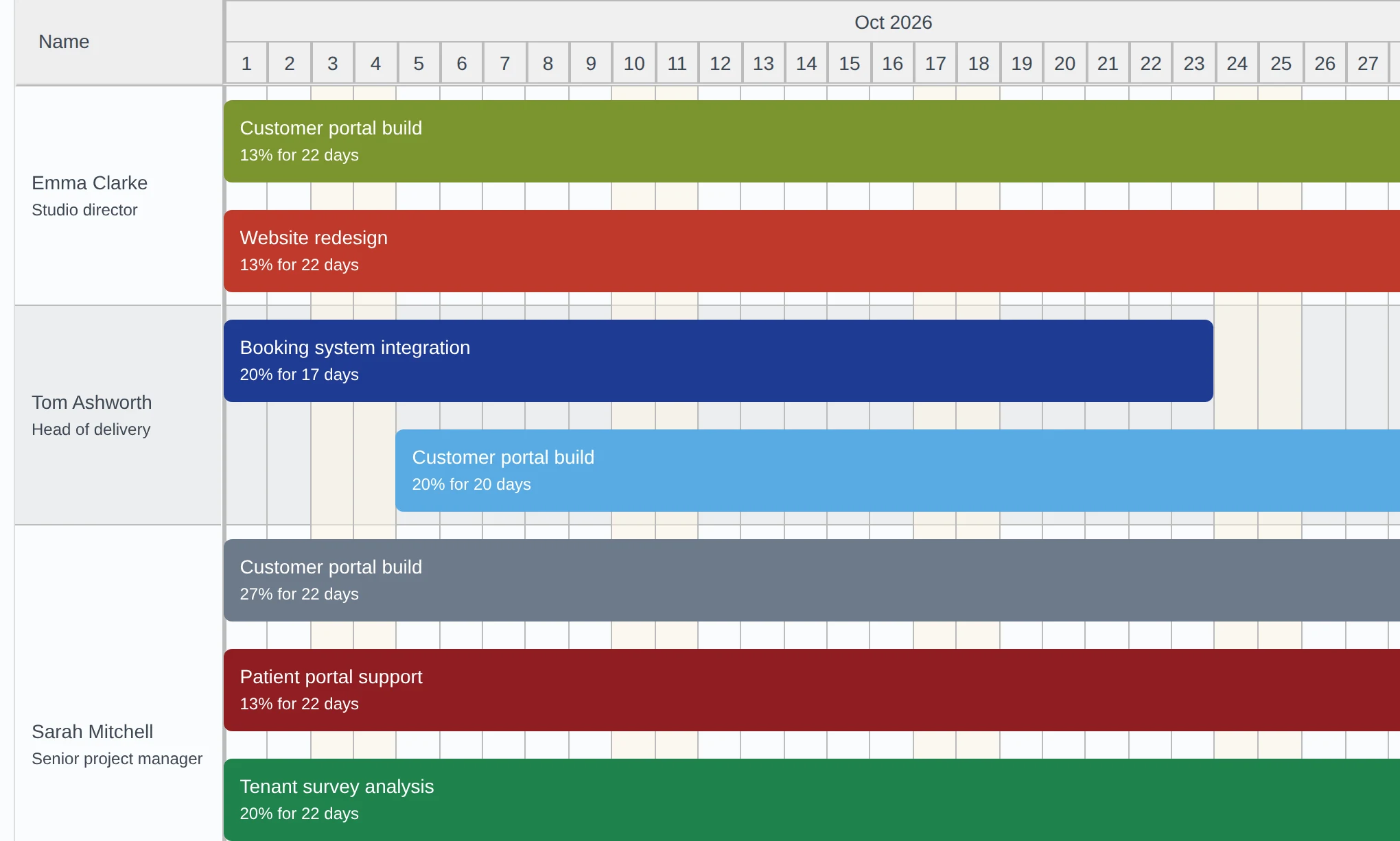
See who is booked and who has capacity.
Find the right person for the next piece of work with the capacity finder.
Timesheet and invoicing software for service teams
Track the hours, approve them, plan who has capacity and invoice straight from approved time. No spreadsheets, no re-typing, no end-of-month scramble.
15-day free trial. No card needed. A free plan is available.
How it works
One flow, from the first logged hour to the invoice you send.
Your team logs time against projects and tasks with weekly timesheets, a live timer or the calendar. Add notes, or import existing hours from a CSV file.
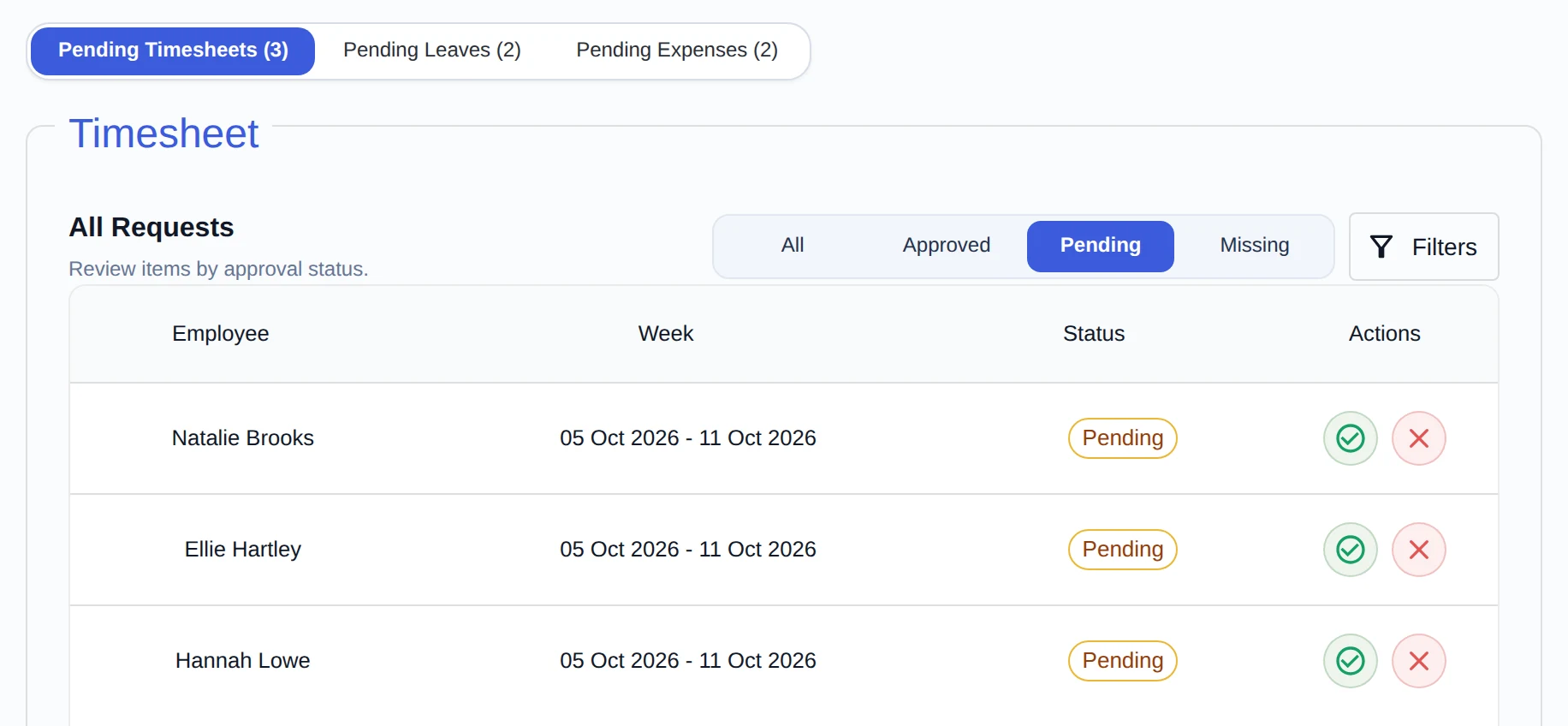
Managers review and approve timesheets. Team members and managers cannot approve their own time, and approved hours are the only ones that can be invoiced.
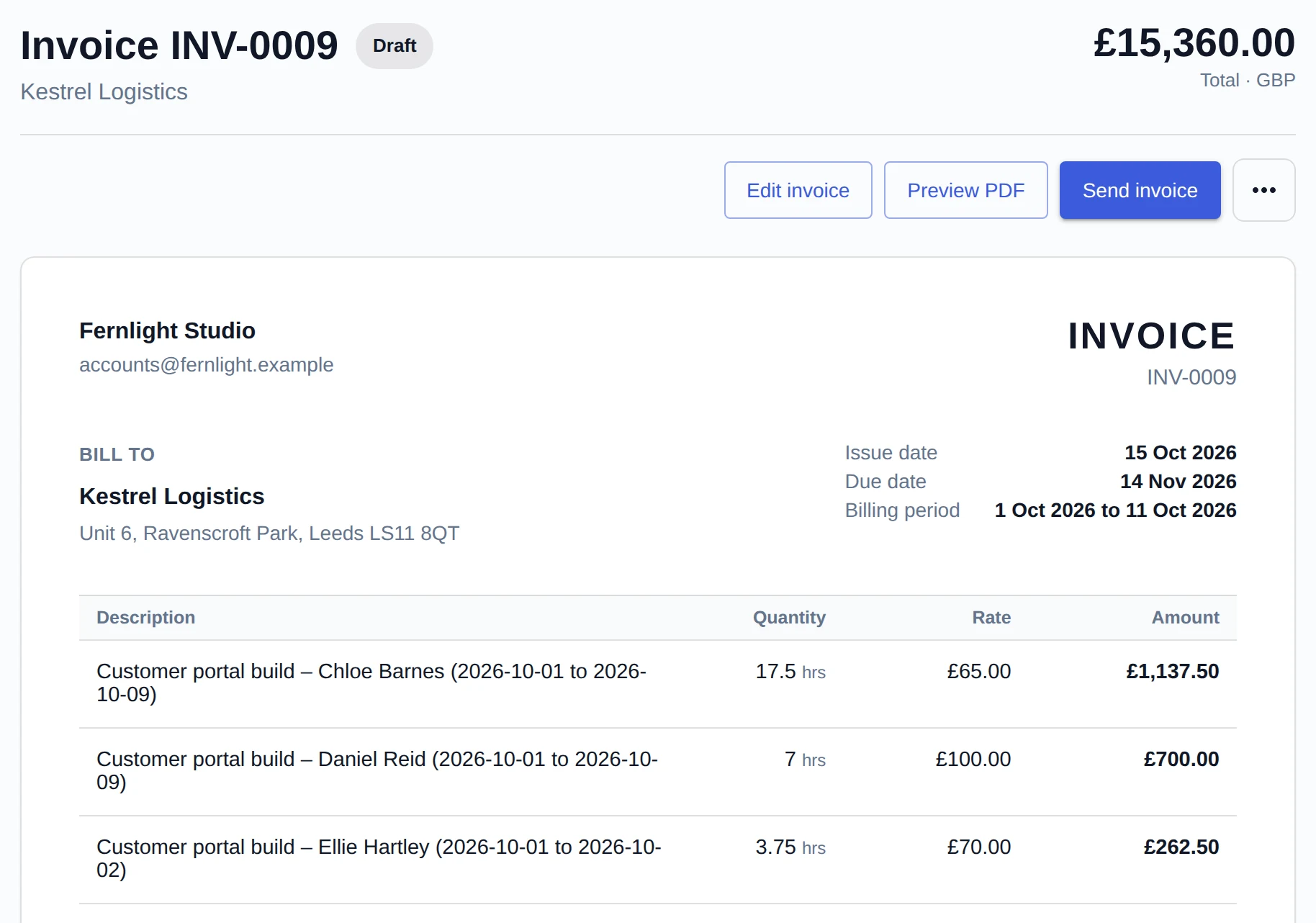
Create an invoice from approved time and billable expenses, at the rates in force when the time was approved. Download the PDF or send it by email.
Features
Timesheets, projects, planning, leave, expenses and invoicing share one set of data, so you only enter things once.
Resource planning
Find the right person for the next piece of work with the capacity finder.
Approvals
Managers approve or reject timesheets. Reminders chase missing, draft and rejected timesheets, and managers can nudge approvers about the ones still waiting.
Invoicing
Add tax and notes, then send a PDF with your logo and payment details.
Reports and dashboards
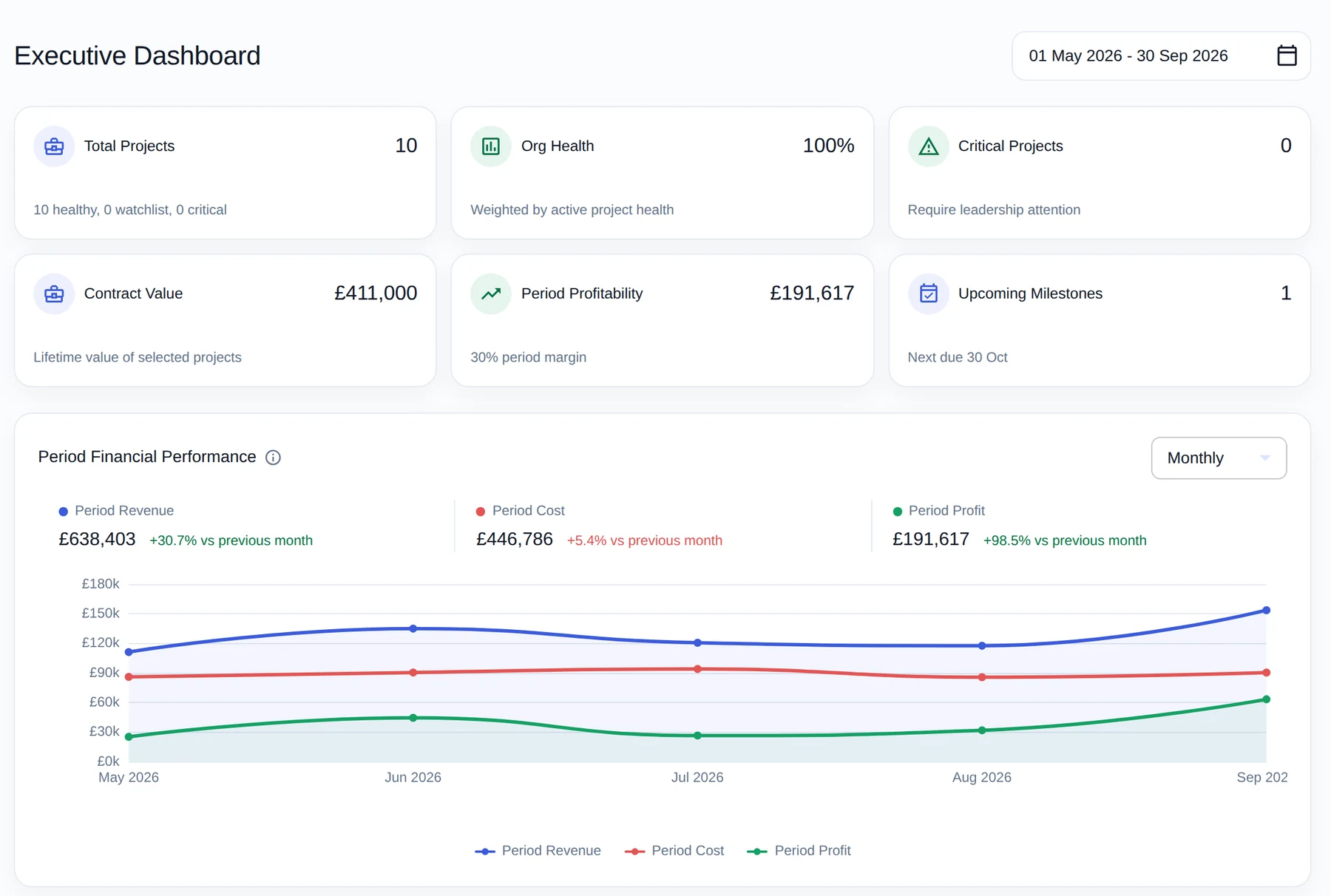
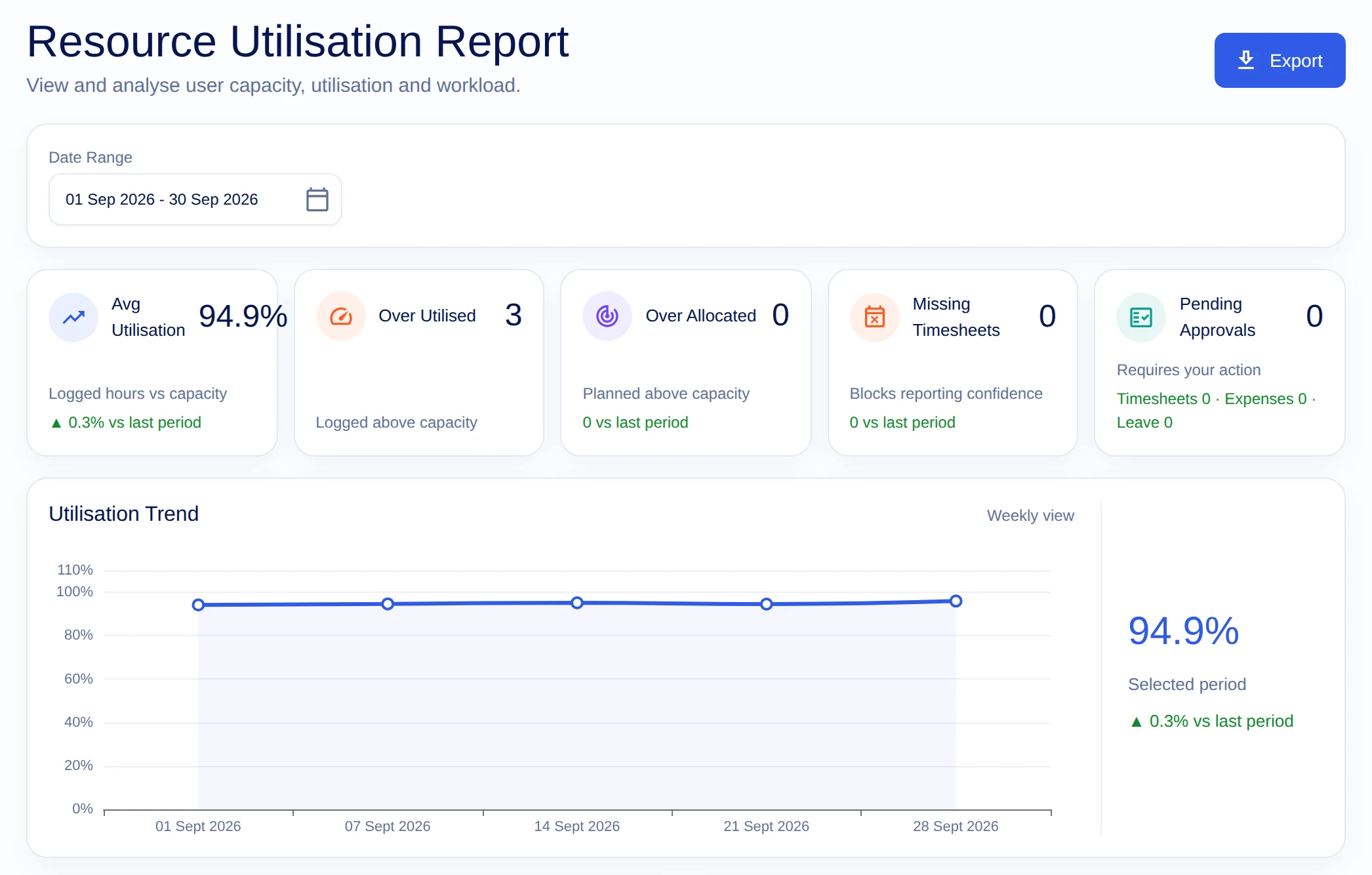
See utilisation and missing timesheets, and share a report with a client by link.
Weekly timesheets, a live timer, a calendar view and notes on every entry.
Organise by client, project and task, set rates, and get an alert when a budget runs low.
Policies, requests and approvals, including half days, kept alongside the hours.
Log expenses against projects, mark them billable and carry them onto the invoice.
Admins, managers, project managers and team members each see what their role allows.
Trust
Invoices are only as good as the hours behind them. These are the safeguards built in.
Once hours are on an invoice they cannot be edited or reopened. Void the invoice and the time is released again.
A manager reviews each timesheet. Team members and managers cannot approve their own time; only an administrator can, so an owner working alone can still invoice.
Each role gets the access it needs, and your organisation’s data is kept separate from every other organisation’s.
Edits to submitted time are recorded in a history you can open, so you can see what changed.
Pricing
Start free. Pay £1.99 per user per month, plus VAT, when you are ready for your whole team.
£0 forever
For one person with a small amount of work.
For teams
£1.99 per user / month + VAT
For the whole team, billed monthly.
Try it first. Start with a 15-day free trial of every feature, for your whole team. No card needed. When it ends, choose the free plan or the paid plan.
FAQ
Teams and businesses that bill clients for their time, such as agencies, consultancies and IT and professional services, and any team that wants to see where its hours go.
The free plan is for one person with up to 2 active projects. The paid plan is £1.99 per user per month, plus VAT. See pricing.
The paid plan is billed monthly by card through Stripe, for the number of seats you choose, plus VAT. You can cancel at any time and keep access until the end of the period you have paid for. Seats can be added or removed whenever you need.
No. Payments are handled by Stripe. Card details never touch our servers.
Yes. Timesheet entries can be imported from a CSV file.
It works in the browser on phones, tablets and desktops, and can be installed as a web app.
Clients can be billed in pounds sterling, euros or US dollars, and invoices are issued in the client’s currency. Expenses carry the currency of their project.
Email hello@hourlify.co.uk or use the contact form.